
INDEPENDENT BUYER GUIDES
PikoBuy Finds: Product Links, Prices & Buying Checks
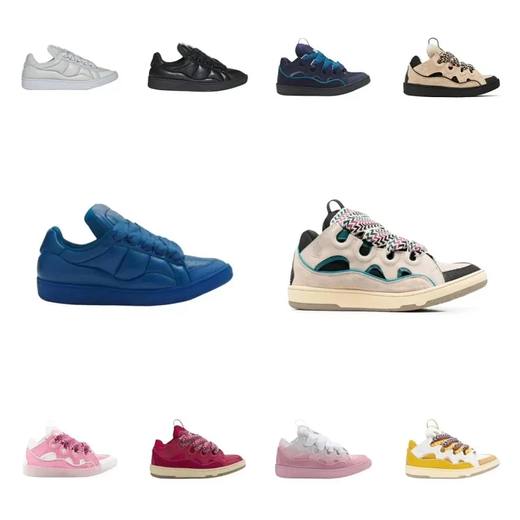
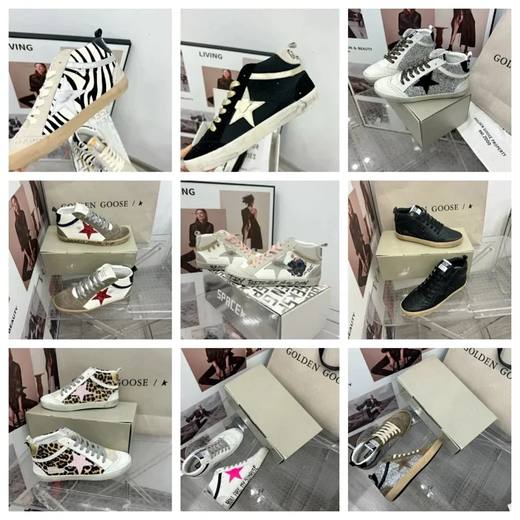
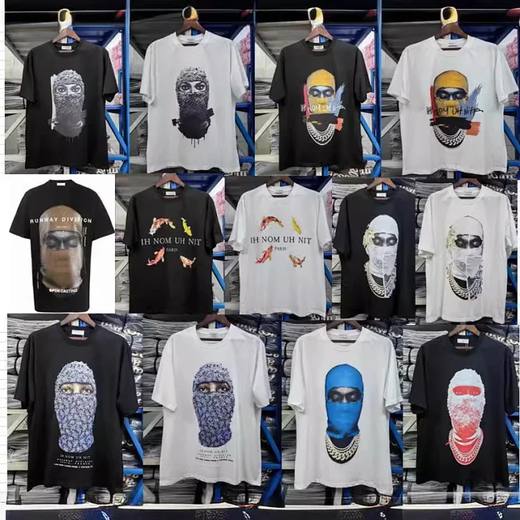
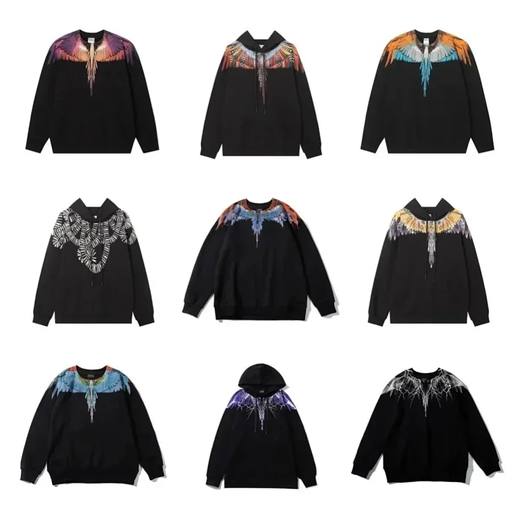
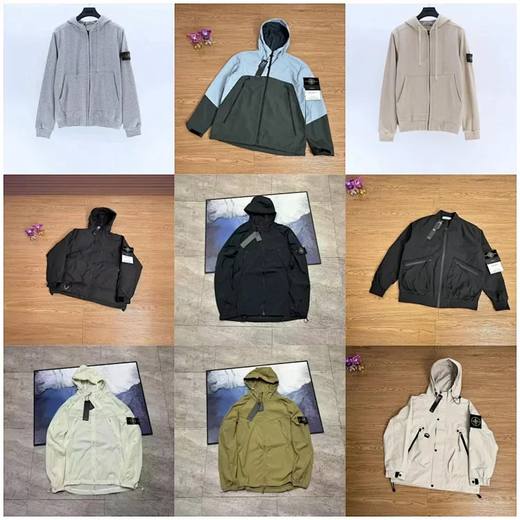
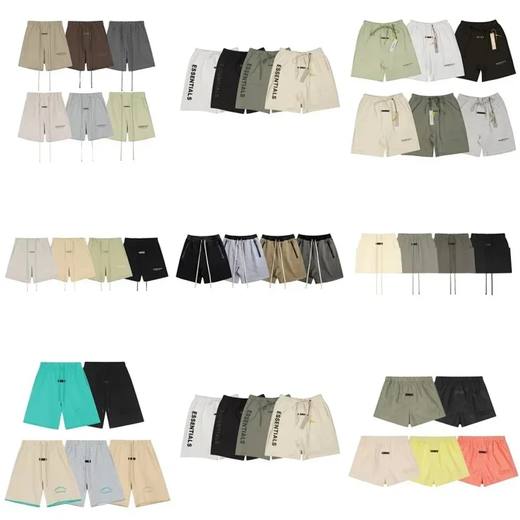
Product cards use the existing catalog’s reference images and USD prices. Current stock, price and variants must be checked on the linked listing. A catalog link is a research starting point, not a quality guarantee.


Find a more reliable product match
PikoBuy Image Search: Find and Verify a Product
Use PikoBuy image search to find product candidates, compare seller listings and variants, and check warehouse photos before shipping.
Read guide →PikoBuy Link Not Working? Taobao & Weidian Checks
Troubleshoot PikoBuy product links: separate a broken source listing from import errors, missing variants and unavailable stock before paying.
Read guide →PikoBuy Shoe Size Guide: Measurements & QC Checks
Choose a PikoBuy shoe size using the seller’s chart, compare measurements, and inspect shoe QC photos before approving international shipping.
Read guide →Pikobuy Spreadsheet 2026 Guide: Build a Reliable W2C Buying Workflow
Learn how to organize Pikobuy finds, source links, prices, QC status, parcel notes and shipping decisions in a spreadsheet that remains useful from discovery to delivery.
Read guide →